
The LessLate guide
From knowing the time
to getting out the door.
How departure reminders work, what counts as leaving, and which plan fits the way you go.
Start with the time you know
If you know when you need to walk out, use Leave by. Set the date and time. LessLate saves your current starting point when you commit the reminder. The alarm means it is time to leave.
If you know when you need to arrive, use Arrive by with Pro. Choose a destination, travel mode, arrival time and preparation time, then review the plan.
Leaving is what completes the reminder
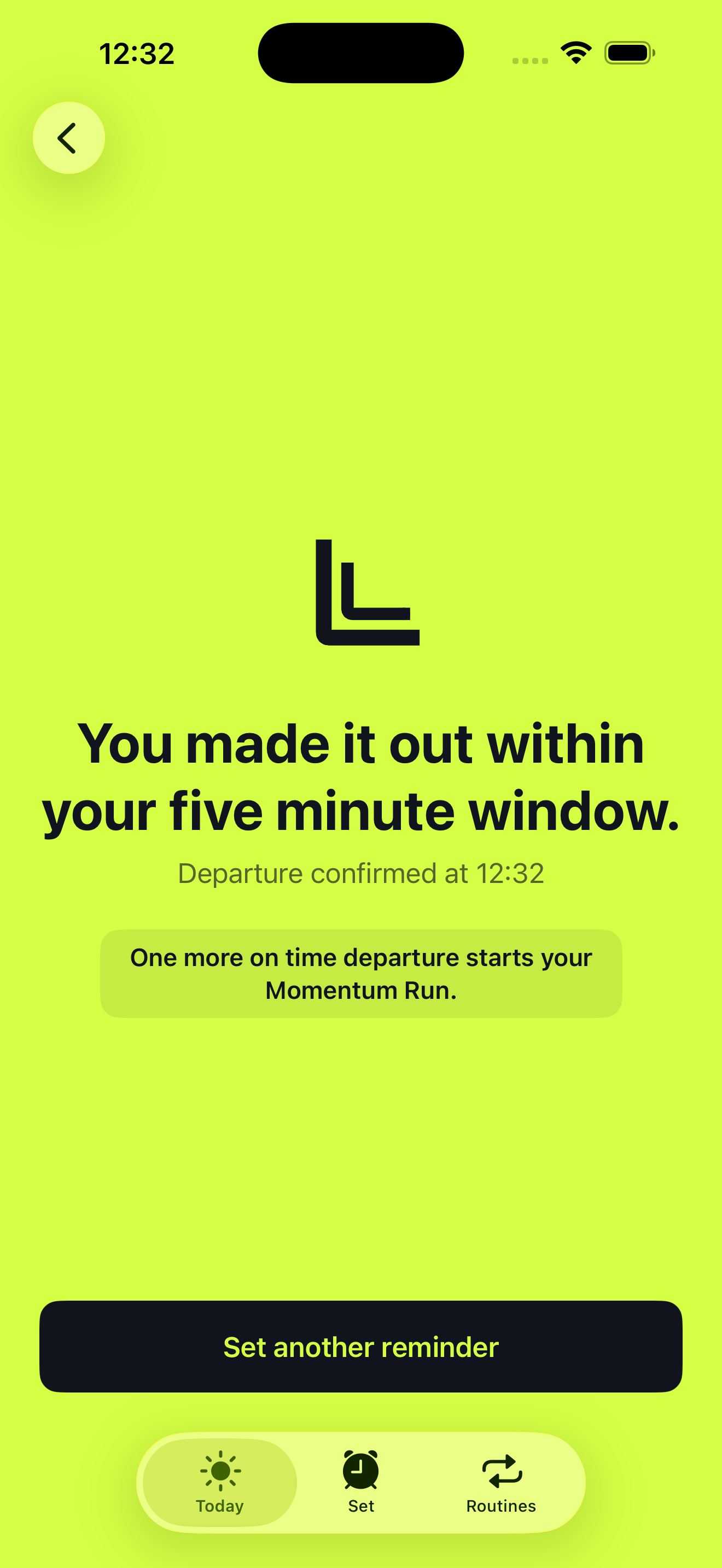
An alarm is the cue to go. After you stop it, LessLate checks your distance from the saved starting point and shows your progress in Momentum Mode. Follow ups can remind you again while departure remains unconfirmed.
Departure is confirmed by two consecutive location readings more than 50 metres from the starting point, with accuracy within 25 metres for each reading. A tap on Stop alone is not a confirmed departure.
Carry your iPhone with you. Always Location and Precise Location allow the check to continue while the phone is locked or another app is open. GPS accuracy and system conditions can affect how quickly the check completes.
If your plans change, you can end the journey without leaving. That stops its follow ups and records a different outcome from a confirmed departure.
How Smart Leave calculates your times
Walk out time = arrival time minus estimated journey duration. Your preparation time is then subtracted from the walk out time to schedule a separate getting ready notification.
For an arrival at 09:00, a 30 minute journey means leaving at 08:30. With 20 minutes to get ready, the preparation prompt is at 08:10.
Apple Maps supplies available estimates for driving, public transport, walking and cycling. A driving estimate can include traffic at calculation time. Estimates refresh when you open the app. LessLate does not continuously watch traffic in the background.
Allow for the journey you actually need to make. An estimate is not a guaranteed arrival time. If Maps cannot provide a route, you can choose another mode or set a manual leave time.
A saved trip or a weekly routine?
Saved trips
These are reusable Arrive by plans in Set, available with Pro. You apply a saved plan, review the current estimate, then set the reminder yourself.
Automatic weekly Routines
These repeat a fixed departure time on the days you choose. Save the place you will leave from so the alarm can lead into departure checks. Their follow ups repeat every 5 minutes. The routine does not recalculate traffic or change its alarm around a journey estimate.
One automatic weekly routine is free. Pro lets you create more. You can still manage every existing automatic routine after Pro expires.
A few things to know
- One manual journey at a time. Set becomes available when the running journey has ended. You can still manage weekly routines.
- Permissions matter. Alarms, notifications and background location have separate roles. Check your settings.
- No starting place means no departure check. A weekly alarm can still ring, but that occurrence cannot follow up based on leaving.
- Live Activities have a window. Open LessLate within 4 hours of a future reminder to start an eligible countdown.
- The phone does the departure check. No location data is sent to optional Mixpanel analytics. Apple Maps separately processes map and route requests.
LessLate helps with departure reminders. It does not guarantee punctuality or replace your own travel planning.
Try the next departure
Start with a manual Leave by reminder for a familiar trip. Give yourself enough preparation time, check your permissions, and review the leave time before committing.